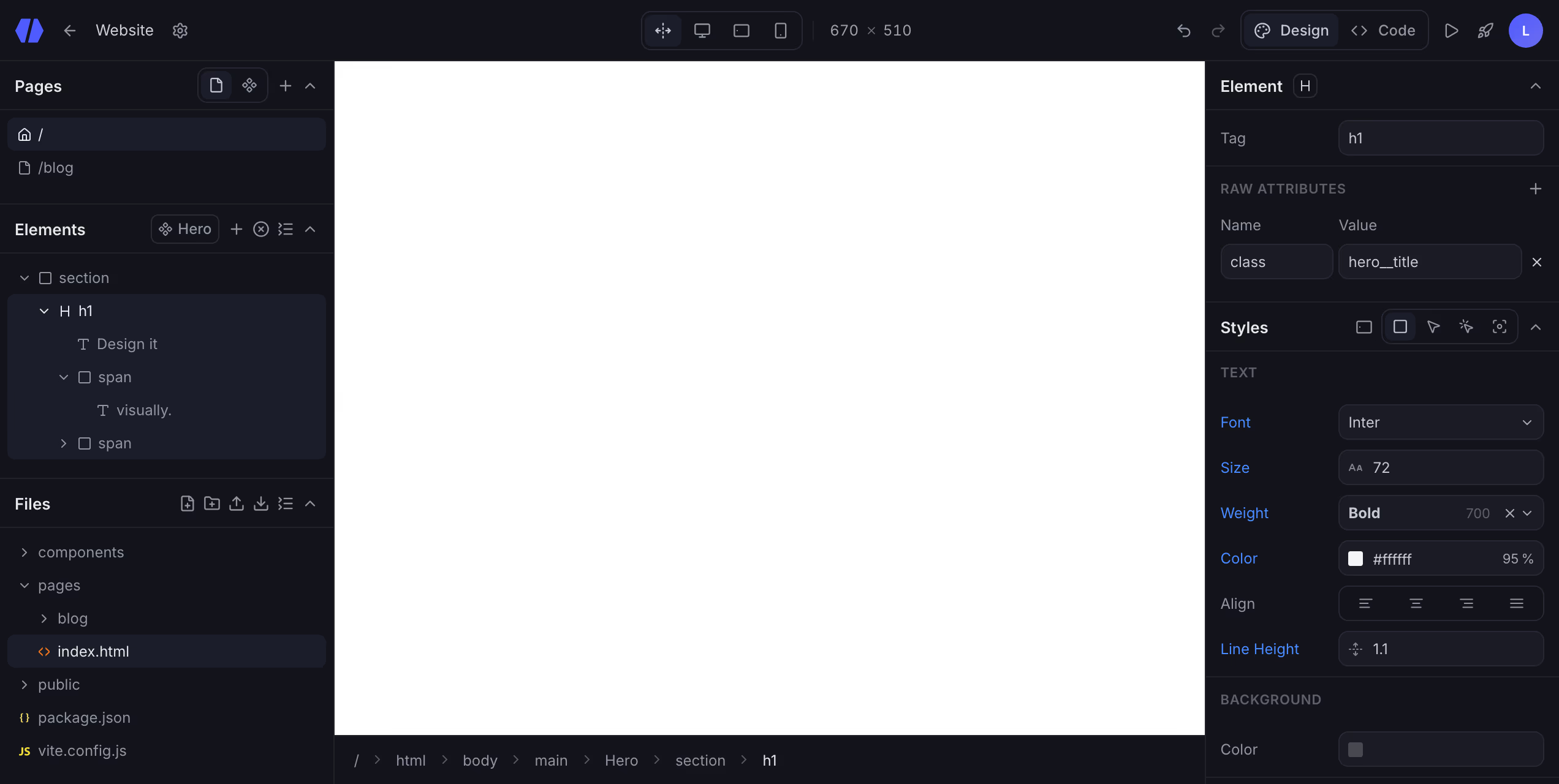
Lediv visual editor: pages, elements, files and live style panels
Visual website builder. Real code.

Design and code in perfect sync

Build and maintain websites easily.
Your AI agent can work on the same files.

How it works

Change one side.
The other follows.

Drag a value and the code rewrites itself. Type in the code and the canvas updates live. One project, both directions, no round-trips.

Features

Everything you need.
Nothing to rebuild.

Design, build, and ship a real website, all from one place. From pages and components to live styling, clean code, and files you own, alone, with your team, or with the AI agent you already use.
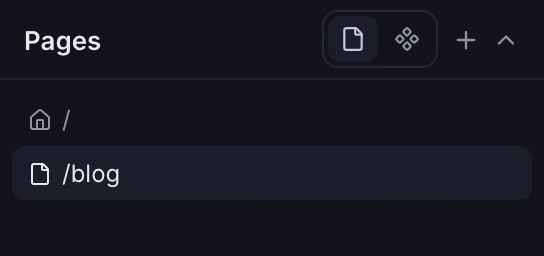
Pages panel listing site pages with their URLs
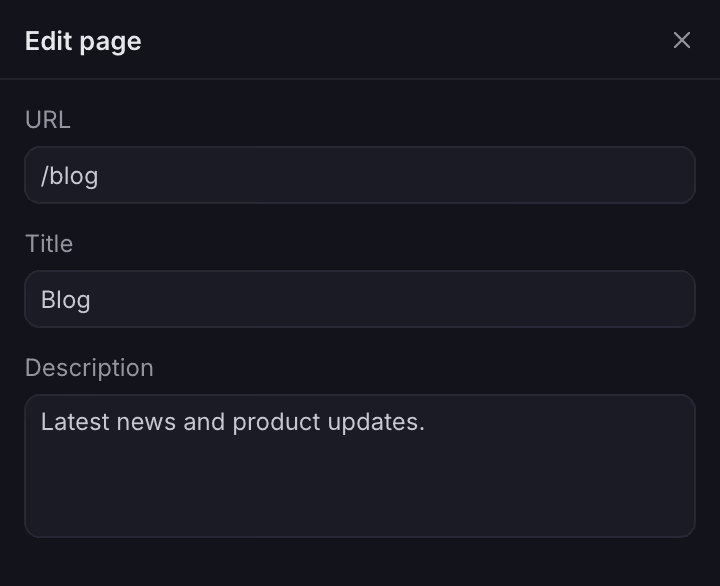
Page settings dialog with URL, title and description fields
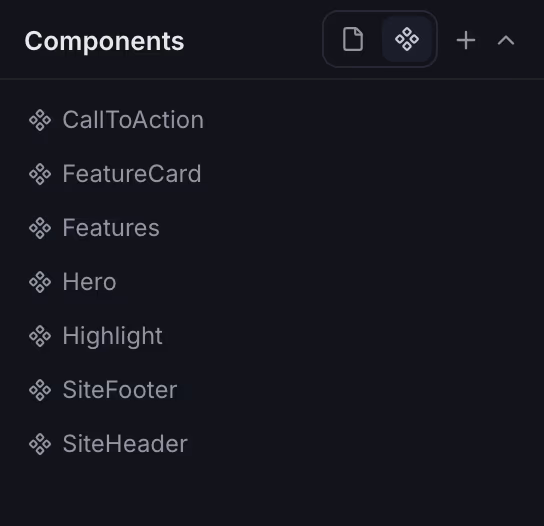
Components panel listing reusable building blocks
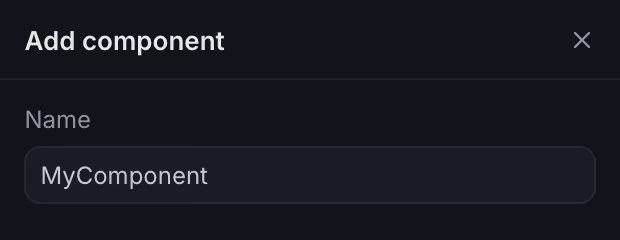
Adding a reusable component to a page
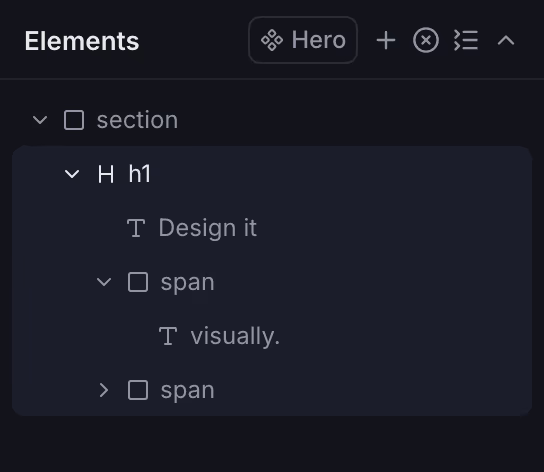
Elements outline showing the page structure
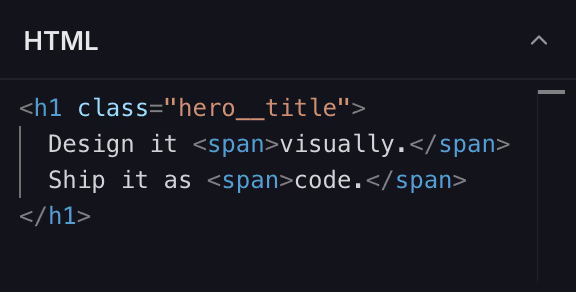
Code editor showing the HTML of the selected element
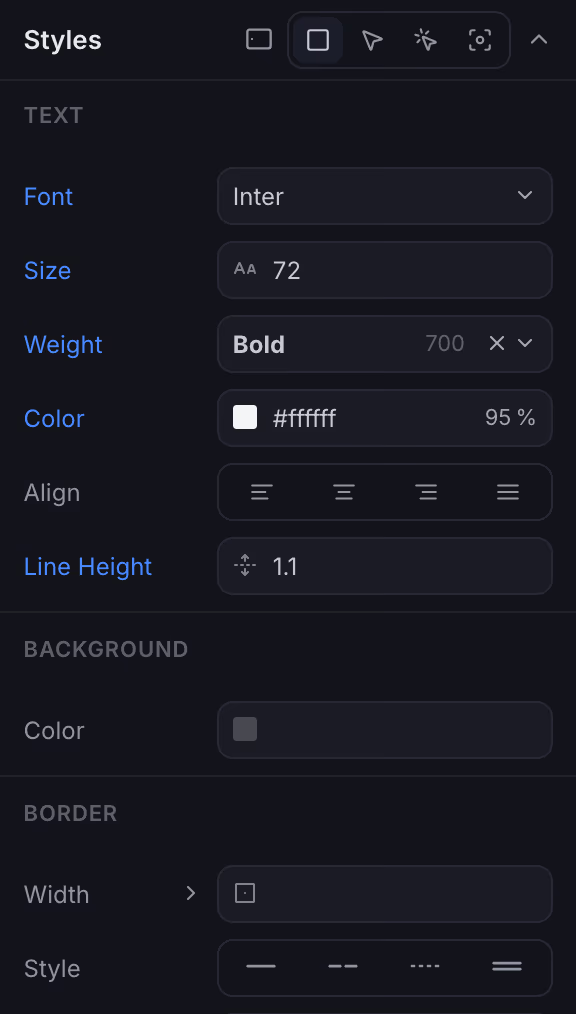
Styles panel with live design controls
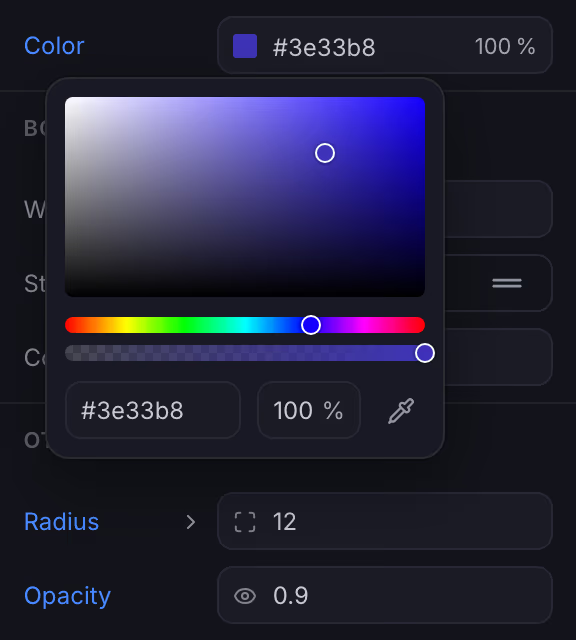
Color picker adjusting a style live on the canvas
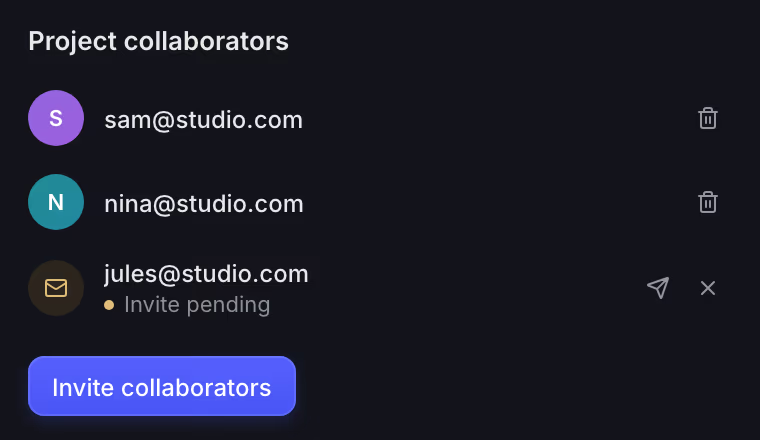
Project collaborators panel listing two people with access and one pending invite
Users online panel showing two teammates in the project right now
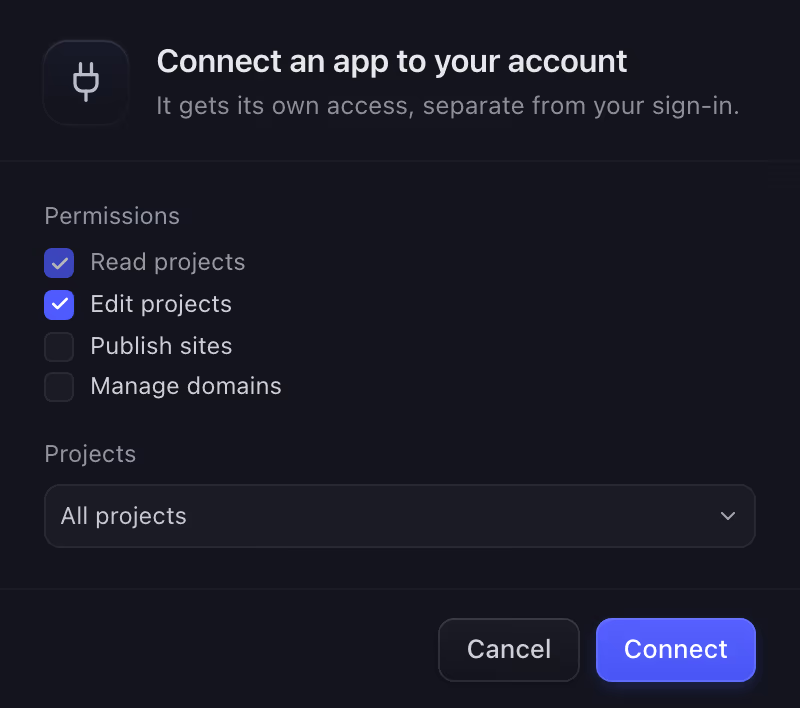
An access token with its permissions, its reach and a button to revoke it
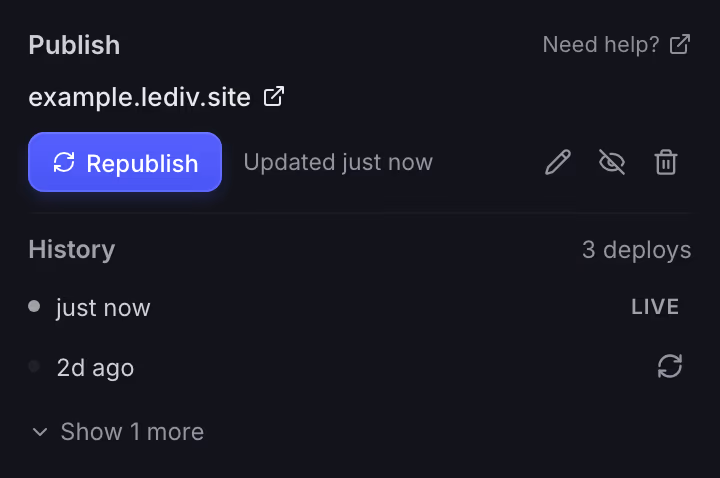
Publish panel showing a live site address and its deploy history
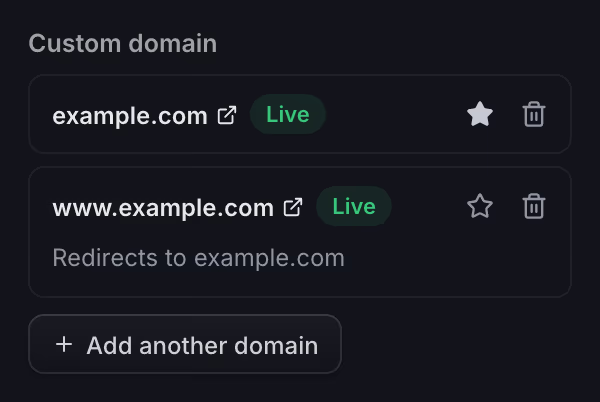
Publish panel serving the site at a connected custom domain marked Live
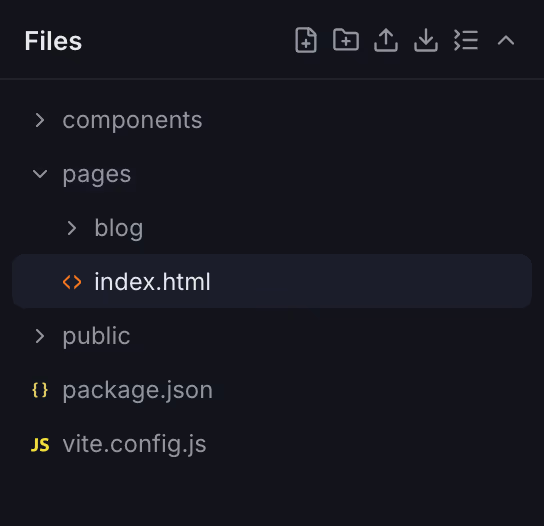
Files panel listing the project's files
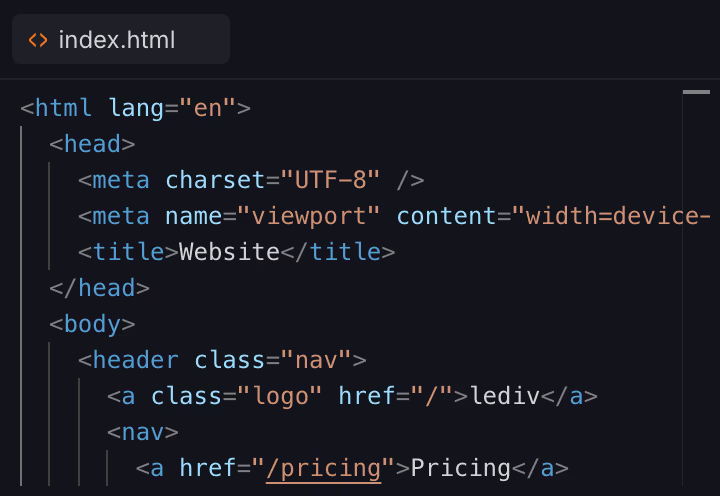
Code editor with a project file open
01 Pages

New page.
No routing to wire.

A URL, a title, a description. That's a live, indexable page.

url
/blog
title
Blog
description
Latest news and product updates.
02 Components

Build once.
Reuse everywhere.

Build any section once as a named building block and drop it anywhere. Update it in one place and every copy updates.

Source
Hero
  • /home
  • /pricing
  • /docs
03 Elements

What you see
is what you ship.

No hidden layers. No surprise markup. Real HTML and CSS, clean and semantic, and zero JavaScript unless you add it yourself.

  1. 01 Header navigation
  2. 02 Logo
  3. 03 Menu
  4. 04 Hero section
  5. 05 Design it visually. h1
  6. 06 Call to action
  7. 07 Footer
04 Design

Tune anything.
Live, on the canvas.

Scrub a number, drop a color, nudge a weight. Every change lands on the page as you move.

font-size
96 px
12 96 240
Base Hover Focus Active
05 Collaboration

Bring in your team.
Or just one person.

Everyone opens the same project, not a copy, and every edit lands live.

06 Agents

Plug in any AI agent.
Build side by side.

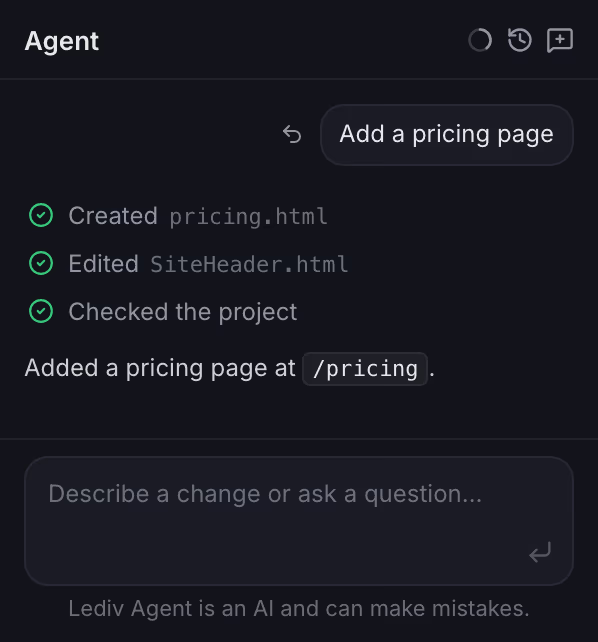
Your agent reads the project, writes pages and components, and checks the build. You watch every edit land on the canvas as it happens.

  • Claude
  • Codex
  • Cursor
  • Any other agent
MCP
07 Publish

Live in seconds.
On your own domain.

One click puts the project online, with the certificate handled for you. Publishing again swaps the whole site at once, so nobody catches it half done.

08 Files

Your website.
Your files. Forever.

Download the whole project anytime. It's yours to keep, move, and host wherever you want.

Deploys to
  1. 01Netlify
  2. 02Vercel
  3. 03Cloudflare
  4. 04GitHub Pages
  5. 05Any static host
Pricing

Free to build.
Pay to go further.

The builder and your first published sites are free, and your code is always yours. Go Pro only when you need unlimited sites, custom domains, redirects, site and version history, and real-time collaboration, billed per seat, no hidden tiers.

Free
€0 / month
No credit card
Pro Pioneer
€25 €15 / seat / mo
Pioneer price · locked in
Visual builder and code editor
Projects, pages and components
Sync across all your devices
Connect any AI agent (MCP)
Full project export
Published sites
Up to 3
Unlimited
Custom domains
Site redirects
Site history and one-click rollback
Project version history
Real-time collaboration
Per-project collaborators (1 seat each)
Unlimited teams (1 seat per member)
Prices exclude VAT. Applicable tax is calculated at checkout based on your billing location.
Start building, it's free
Upgrade to Pro anytime

Common questions

Is my code really mine?

Yes. Your project downloads as a zip with all your source files and assets, plus a standard Vite setup. One build produces plain HTML, CSS, and JavaScript with no runtime, no watermark, and no lock-in.

How does seat-based pricing work?

Pro is billed per seat. Your own account is one seat, which already unlocks version history. Add one more for each person you invite to a team or a project, and they can edit with you in real time. Seats go by email address, so inviting the same person to several teams or projects still uses one. An invitation takes its seat the moment you send it and holds it while it is pending, and even after it is declined, until you revoke it. A collaborator who leaves a team or project on their own frees their seat the same way.

What does the Pioneer price mean?

Early adopters pay €15 per seat instead of €25, and keep that price for as long as their subscription stays active without interruption. If it is cancelled or lapses, a later subscription is charged at the price in effect then.

Do I need to know how to code?

No, but you can. Design visually with zero code, or jump into the source whenever you want. Both modes keep everything in sync.

Can I use my own AI agent?

Yes, on any plan. Lediv speaks MCP, so Claude, Codex, Cursor or anything else that speaks it works on the same real files you see on the canvas. You pick what each one may do, and you can revoke it anytime.

What happens if I cancel Pro?

Your projects stay yours. They keep opening, editing and syncing, and sites you already published stay online. What stops is Pro. The people you invited lose access until you renew, publishing returns to 3 sites, and older site deploys are pruned; your project versions stay, read-only. Connected domains keep serving for 30 days and are then paused, not deleted, so one click brings them back. The publishing docs cover the full sequence.